Resource
Qibla Direction Verification Guide: Coordinates, Compass Calibration and Local Checks
A practical guide to checking qibla direction with coordinates, device compass limits, manual city selection and local verification.
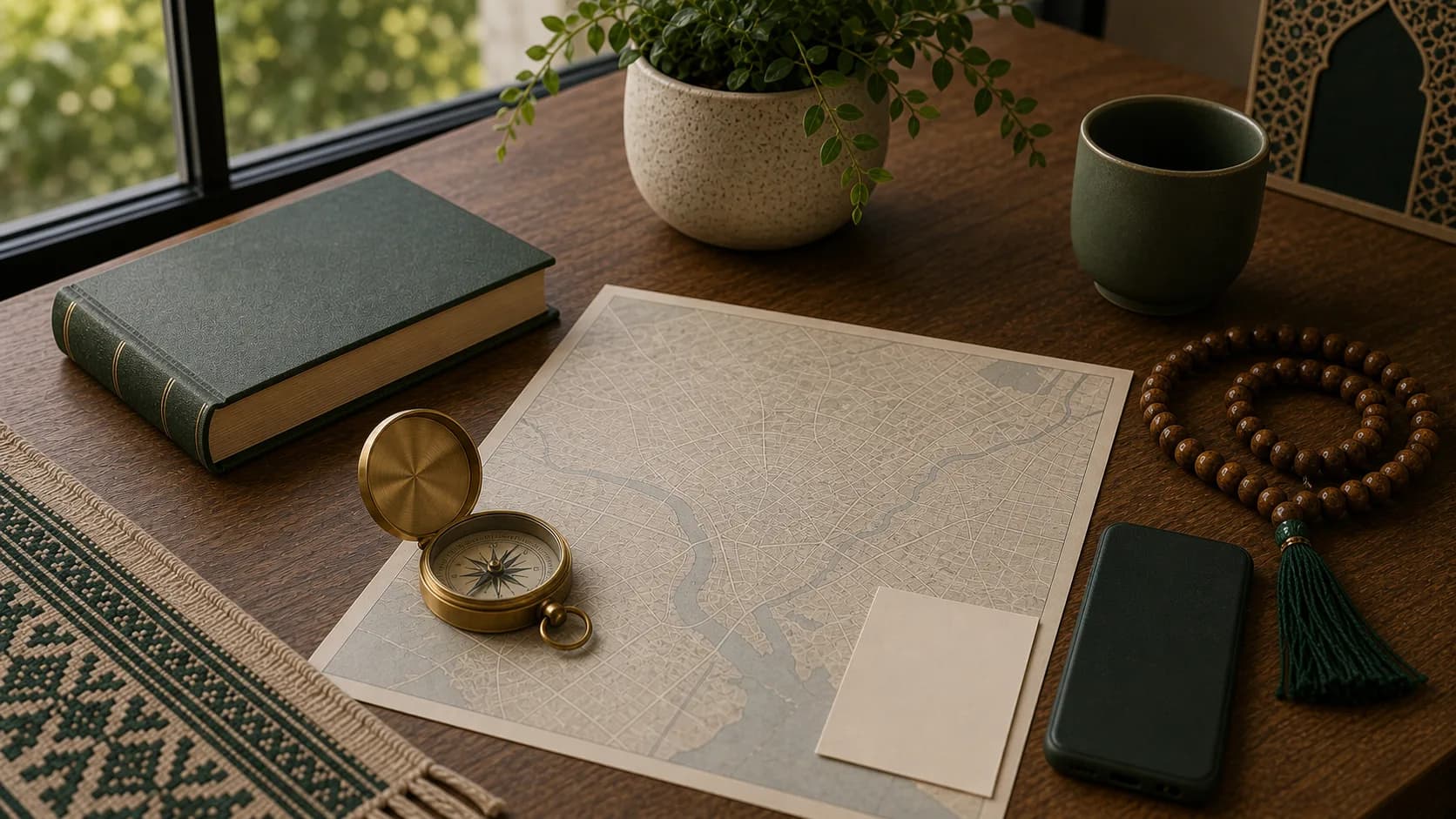
Kaaba coordinates used
21.422487, 39.826206
Input types
City, manual coordinates, or browser geolocation
Compass limit
Device heading may be blocked or unstable
Boundary
Verify with local prayer space when possible
The Qibla Finder is a direction aid, not a replacement for local verification. Quran 2:144 anchors the prayer direction toward al-Masjid al-Haram, while a web tool can only translate your coordinates into a bearing and show the limits of the device sensors it uses.
Muslim Post calculates a bearing from the user latitude and longitude to the Kaaba coordinates in Makkah. If the browser provides a device heading, the tool can rotate the on-screen arrow relative to that heading. If the heading is unavailable or unstable, the absolute bearing number is still useful with a calibrated compass or a trusted map.
The common failure points are not mysterious: imprecise GPS, a phone compass affected by metal or magnets, a map pin placed in the wrong city, or a device browser that blocks orientation permission. A careful user should cross-check at least two signals before relying on the result in a new place.
This guide keeps the verification workflow visible: choose the right location, read the qibla bearing, calibrate the compass, compare with a known prayer space when possible, and save the location only after the direction feels consistent.
Qibla Verification Checklist
| Step | What to check | Why it matters | If uncertain |
|---|---|---|---|
| Location | Confirm city, GPS, or manual coordinates. | A small location error can shift the displayed bearing. | Use a known city first, then refine coordinates. |
| Bearing | Read the absolute qibla bearing in degrees. | The number remains useful even without live compass rotation. | Compare with a map or physical compass. |
| Device compass | Move away from metal, cases, magnets and electronics. | Magnetic interference can rotate the arrow incorrectly. | Use the bearing number instead of the live arrow. |
| Local check | Compare with a mosque, prayer room, or trusted local sign. | Built spaces often have already-reviewed qibla orientation. | Ask the local mosque before changing communal practice. |
FAQ
Why does the qibla arrow move when I turn the phone?
The bearing to the Kaaba is fixed for your coordinates, but the arrow may rotate relative to the device heading reported by the browser.
Can I rely only on GPS?
Use GPS as one signal. In a new or sensitive place, compare it with a map, compass and local prayer-space direction.
Related reading
- Qibla Finder
Open the live direction tool.
- Islamic Tools Glossary
Review terms such as qibla, bearing and coordinates.
- Prayer Rugs Explained: Purpose, Direction and Designs
Do Muslims need a prayer rug? Learn how prayer mats are used, which way they face, and what museum objects reveal about arches, materials and designs.
Connected by direction.
- Hypostyle Mosque Plan: Columns, Courtyard and Qibla Hall
How hypostyle mosques use repeated columns and roof bays, why the plan expanded easily, and how Kairouan and Córdoba turned repetition into monumentality.
Connected by qibla.
- Mosque Architecture Terms Explained by Function
A practical glossary of qibla walls, mihrabs, minbars, minarets, domes, courtyards, iwans, hypostyle halls and related mosque spaces, with regional examples and common identification errors.
Connected by qibla.
- How Islamic Geometric Patterns Use Circles, Grids and Repeating Stars
Learn how a compass and straightedge create six- and eight-point star frameworks, how repeat units fill a surface, and what dated museum tiles and woodwork reveal about Islamic geometric ornament.
Connected by compass.
- Dua and Salah Explained as Supplication and Ritual Prayer
See how personal dua differs from formal salah, where supplication fits inside prayer, and how language, posture, wudu, timing and direction apply.
Connected by direction.
- How an Islamic Astrolabe Worked: Mater, Rete, Plates and Alidade
A visual guide to the planispheric astrolabe, its main parts, how altitude was measured and how astronomers used it for time and direction.
Connected by direction.
Languages
- دليل التحقق من اتجاه القبلة: الإحداثيات ومعايرة البوصلة والفحص المحلي
- Guia de qibla verificació
- Průvodce: qibla ověření
- Guide til qibla kontrol
- Leitfaden zu Qibla Prüfung
- Οδηγός για qibla επαλήθευση
- Qibla Direction Verification Guide: Coordinates, Compass Calibration and Local Checks
- Guía de qibla verificación
- Opas: qibla tarkistus
- Guide de qibla vérification
- Panduan kiblat verifikasi
- Guida a qibla verifica
- ガイド: キブラ 確認
- 가이드: 끼블라 확인
- Panduan kiblat pengesahan
- Gids voor qibla controle
- Veiledning om qibla kontroll
- Przewodnik po qibla weryfikacja
- Guia de qibla verificação
- Руководство по теме qibla проверка
- Sprievodca: qibla overenie
- Guide till qibla kontroll
- คู่มือ กิบละฮ์ การตรวจสอบ
- Rehber: kıble doğrulama
- Qibla يۆنىلىشىنى تەكشۈرۈش قوللانمىسى: كوئوردېنات، كومپاس تەڭشەش ۋە يەرلىك سېلىشتۇرۇش
- Hướng dẫn về qibla xác minh
- Qibla 方向核查指南:坐标、指南针校准与本地对照
- 指南: 朝向 核查
- 指南: 朝向 核查