Why Your Qibla Compass Looks Wrong: Phone Calibration and Magnetic Interference
A step-by-step qibla compass troubleshooting guide for phone sensors, magnetic interference, true north, location accuracy and hotel rooms.
When a qibla arrow spins, jumps or changes after you cross a room, the geographic qibla has not moved. The measuring environment has. Phones estimate orientation from several sensors, and magnetic readings are easy to disturb indoors.
The quickest fix is not repeated tapping. Separate the three questions: is the location correct, is the calculated bearing correct, and is the device accurately pointing toward that bearing?
Start outdoors or beside a clear window
Location accuracy can be poor deep inside airports, hotels and large concrete buildings. Confirm the displayed city or coordinates, then move to a place with a clearer sky view if the location is obviously wrong. A bad location changes the calculated bearing before the compass sensor is even considered.
Hold the phone flat and away from the body. Remove magnetic cases or accessories. Follow the operating system's calibration motion when prompted rather than inventing a fixed ritual for every phone model.
Move away from hidden magnetic sources
Metal desks, bed frames, elevator shafts, loudspeakers, power adapters, vehicles and reinforced concrete can alter a compass reading. Test at least two places several metres apart. If the arrow changes sharply while the map bearing stays the same, interference is the likely cause.
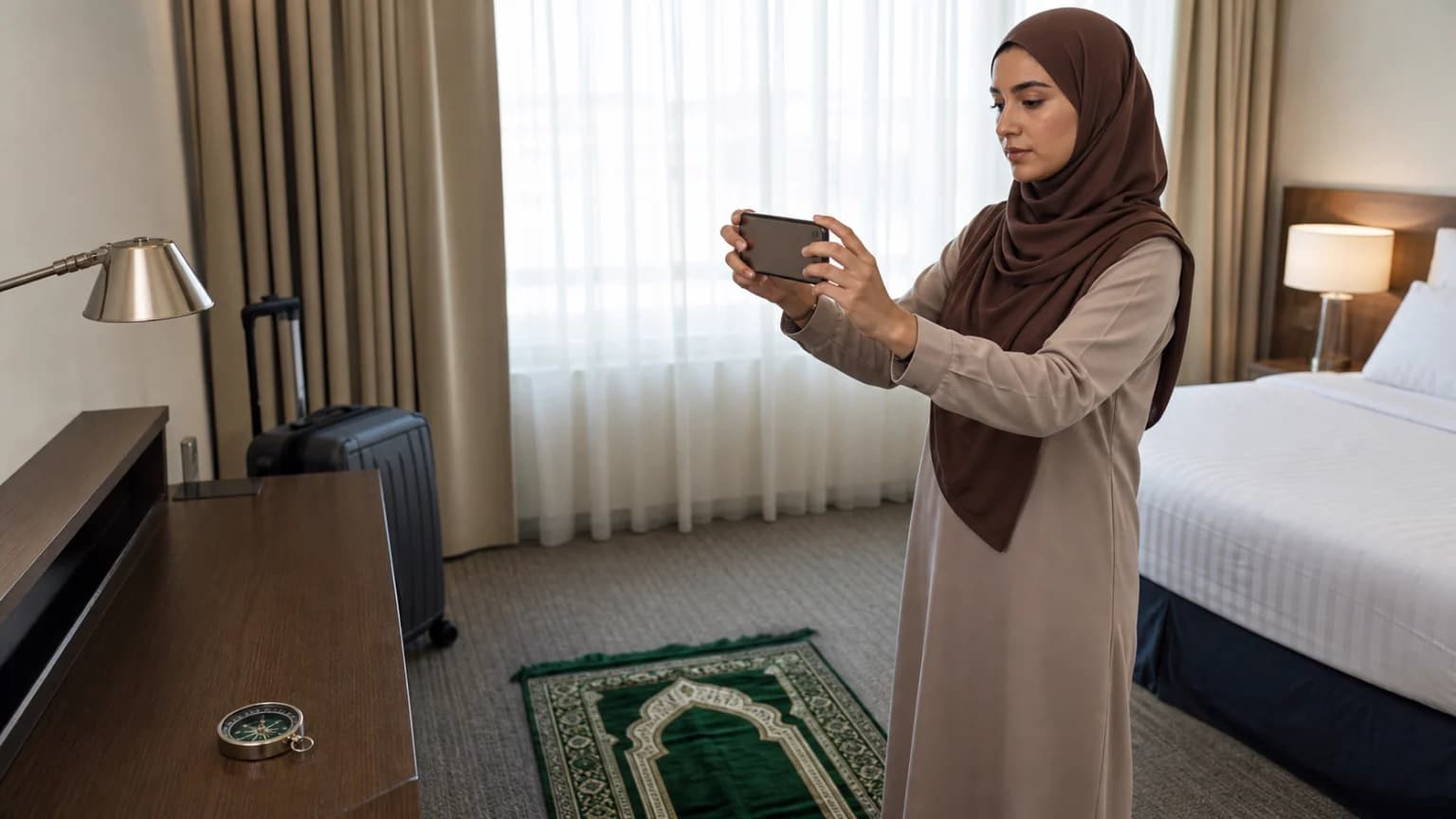
Do not calibrate while the phone is resting on a laptop, charging pad or metal surface. In a hotel room, an open corridor, courtyard or outdoor entrance often gives a more stable check than the space beside a television and luggage rack.
Compare the arrow with a map bearing
A compass view should agree with the calculated true-north bearing after any required magnetic conversion. Use a street, coastline or building edge visible on a map as a second reference. This makes the result testable without trusting one animated arrow.
- Verify the city or coordinates.
- Remove magnetic accessories and recalibrate the device.
- Take readings away from metal, chargers, speakers and vehicles.
- Compare with a mapped landmark or an established mosque direction.
Run a five-minute stability test
Write down the numeric qibla bearing before opening the live compass view. A bearing of 58 degrees, for example, means 58 degrees clockwise from true north; it does not mean that the phone should always display 58 on a raw magnetic compass. The display must first establish north and, when necessary, account for local magnetic declination.
Take three readings: one near the centre of the room, one beside a window, and one outside the building. Rotate slowly through north, east, south and west rather than waving the phone. A healthy sensor should move smoothly and return close to its starting value after a full turn. If one location differs by 10 or 20 degrees while the outdoor readings agree, the room is the problem.
Repeat the check with the device held in the orientation expected by the app. Some interfaces assume the phone is flat; an augmented-reality view may assume it is upright. Locking the screen rotation does not calibrate the magnetometer, and a GPS position does not by itself supply heading when the user is standing still.
Separate sensor, map and building errors
GNSS location, usually described casually as GPS, answers where the phone is. The magnetometer estimates magnetic heading. The gyroscope measures rotation, and the accelerometer helps the device understand tilt. Android and iOS combine these signals differently, which is why two models placed side by side can settle at different speeds without using different qibla mathematics.
A map error has a different signature: the arrow may be stable but the city, hotel or pin is wrong. A building error is also different: the calculator and compass may agree, yet the prayer-room carpet or wall marker points elsewhere because the room was aligned by an older survey, a convenient wall, or a previous tenant's estimate. In an established mosque, ask the administration before moving markers or telling worshippers that the building is wrong.
For a hotel, write the verified direction on a removable note after the outdoor test, then align the prayer mat from that reference. Rechecking every salah beside the same television, steel desk or magnetic case can create more confusion than accuracy.
Know when the phone is the wrong tool
If readings remain unstable, use the numeric bearing with a reliable map, a properly corrected physical compass, or local mosque guidance. A calm cross-check is more useful than chasing single-degree precision from a disturbed sensor.
NOAA's magnetic-declination material, Apple's Compass guidance, Google Maps location checks and Android's position-sensor documentation answer different parts of the problem. Read them that way: NOAA for true-versus-magnetic conversion, the operating-system documentation for the device, and the qibla calculator for the geographic bearing.
Sources
- NOAA: Magnetic Declination — Explains why a magnetic compass does not automatically point to true north.
- Apple Support: Use the Compass on iPhone — Provides device-level compass and location guidance.
- Google Maps Help: Improve Location Accuracy — Explains phone location and compass calibration checks without being used as a data API.
- Android Developers: Position Sensors — Documents how device orientation and geomagnetic sensors are used and affected.