Resource
Muslim Shared Device Family Privacy Adab Guide
A practical adab guide for using shared phones, tablets and computers with permission, privacy and family trust.
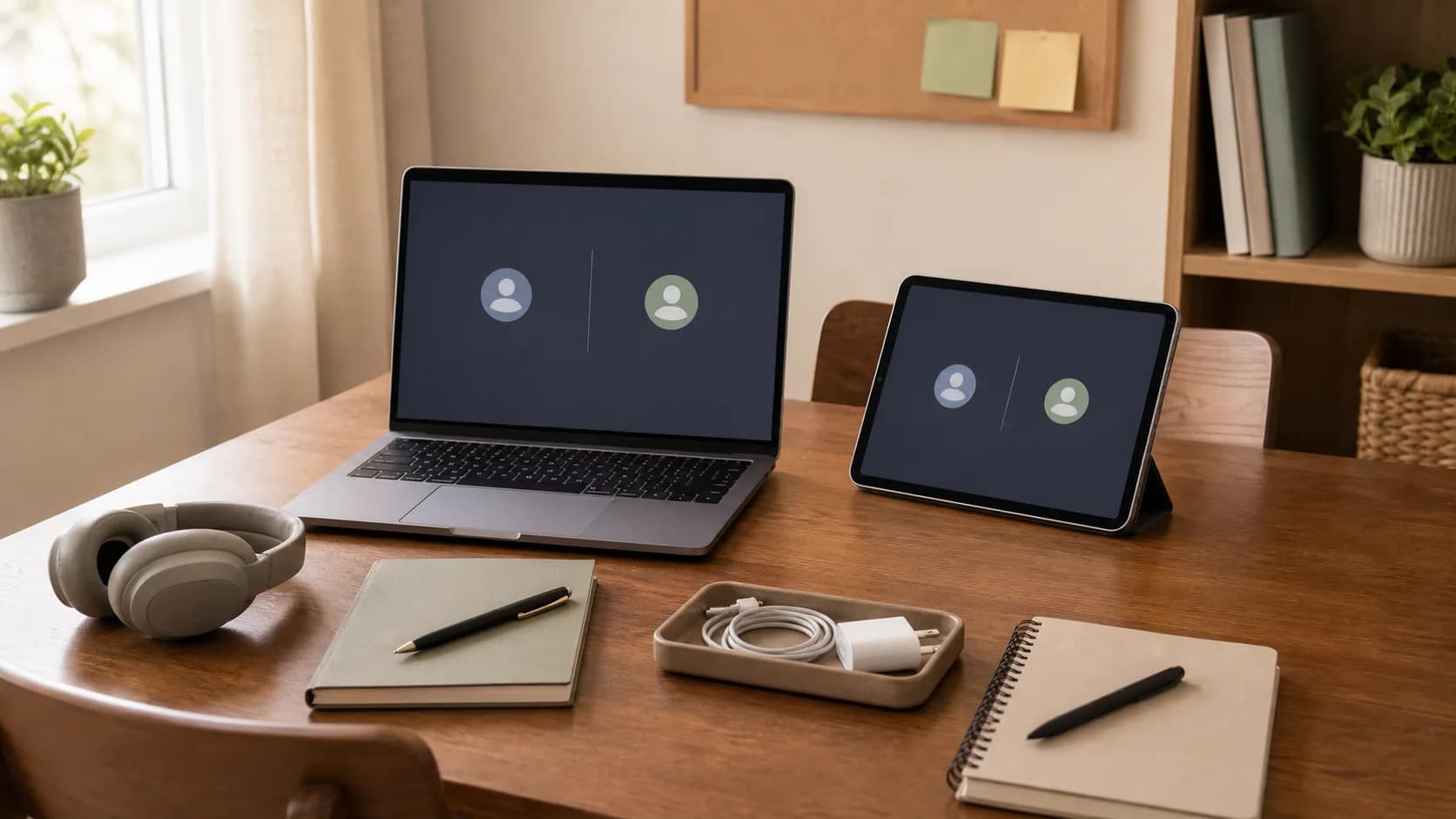
Use case
Family laptops, shared tablets, guest phones, school devices, repair drop-offs and borrowed computers
Adab focus
Permission, separate profiles, notification restraint, sign-out habits and respectful family rules
Best time
Before sharing a device, before opening another person's files and before repair or lending
Boundary
Does not replace cybersecurity advice, legal advice, safeguarding rules, school policy or parental-safety planning
A shared family device can hold many lives at once: school tabs, work email, bank sessions, family photos, children's homework, mosque messages and private notes. The screen may be common, but not everything on it is common property.
The Quran teaches permission before entering private spaces, warns against suspicion and spying, commands good speech, requires trusts to be returned, and calls for justice and excellence. On a shared device, those anchors become practical: use separate profiles when possible, ask before opening messages or files, avoid reading notifications, sign out after use, and agree on repair or lending rules before the device leaves the home.
This guide is educational and does not replace cybersecurity advice, legal advice, parental-safety planning, school policy, workplace policy, safeguarding rules or qualified religious counsel. It helps a family make shared technology easier without making privacy invisible.
Shared Device Privacy Checklist
| Area | Adab question | Practical action |
|---|---|---|
| Profiles | Can each person use their own space? | Create separate profiles or browsers for regular users when the device allows it. |
| Notifications | Am I reading what was not shown to me? | Turn away from previews, avoid opening messages and ask if an alert seems urgent. |
| Files and downloads | Could my use expose someone else's files? | Save your files in your own folder, clear sensitive downloads and do not browse another person's history. |
| Repair or lending | What private access leaves the home with this device? | Back up, sign out, remove saved passwords and agree what the borrower may do before handoff. |
FAQ
Can a parent check a child's device?
Family responsibility, age, safety and local rules matter. A healthier approach is to set clear expectations, explain safety reasons and avoid curiosity-based searching.
What if I accidentally see a private message?
Stop reading, do not repeat it, and let the owner know if action is needed. Accidental exposure should not become intentional spying.
Should guests use a family device?
They can when the owner agrees and a guest profile or limited session is used. Keep personal accounts signed out before and after.
Related reading
- Muslim Household Privacy and Permission Adab Guide
Use when the issue is broader household permission, rooms, belongings or family boundaries.
- Muslim Personal Data Privacy Amanah Guide
Use when shared-device use exposes names, contacts, photos, documents or identifiers.
- Muslim School Field Trip Checklist for Halal Lunch Prayer and Medication
A practical Muslim school field trip checklist covering permission slips, halal lunch, food allergies, medication forms, prayer timing, bus safety and emergency contacts.
Connected by permission.
- Muslim I-212 Permission to Reapply Checklist for Removal Travel Family and Prayer
A practical Muslim I-212 permission to reapply checklist covering removal history, travel records, prior orders, family file, privacy, qualified help and prayer timing.
Connected by permission.
Languages
- دليل آداب shared device الأسرة الخصوصية الأدب
- গাইড: পরিবার গোপনীয়তা adab
- Guia de família privacitat adab
- Průvodce: rodina soukromí adab
- Guide til familie privatliv adab
- Leitfaden zu Familie Datenschutz adab
- Οδηγός για οικογένεια ιδιωτικότητα adab
- Muslim Shared Device Family Privacy Adab Guide
- Guía de familia privacidad adab
- Opas: perhe yksityisyys adab
- Guide de famille confidentialité adab
- Panduan keluarga privasi adab
- Guida a famiglia privacy adab
- ガイド: 家族 プライバシー adab
- 가이드: 가족 개인정보 adab
- Panduan keluarga privasi adab
- Gids voor familie privacy adab
- Veiledning om familie personvern adab
- Przewodnik po rodzina prywatność adab
- Guia de família privacidade adab
- Руководство по теме семья приватность adab
- Sprievodca: rodina súkromie adab
- Guide till familj integritet adab
- คู่มือ ครอบครัว ความเป็นส่วนตัว adab
- Rehber: aile mahremiyet adab
- مۇسۇلمان ئورتاق ئۈسكۈنە ۋە ئائىلە مەخپىيەتلىكى Adab قوللانمىسى
- Hướng dẫn về gia đình quyền riêng tư adab
- 穆斯林共享设备与家庭隐私 Adab 指南
- 指南: 家庭 私隱 adab
- 指南: 家庭 隱私 adab